Proactive home security with AI
Your protection
starts outside.
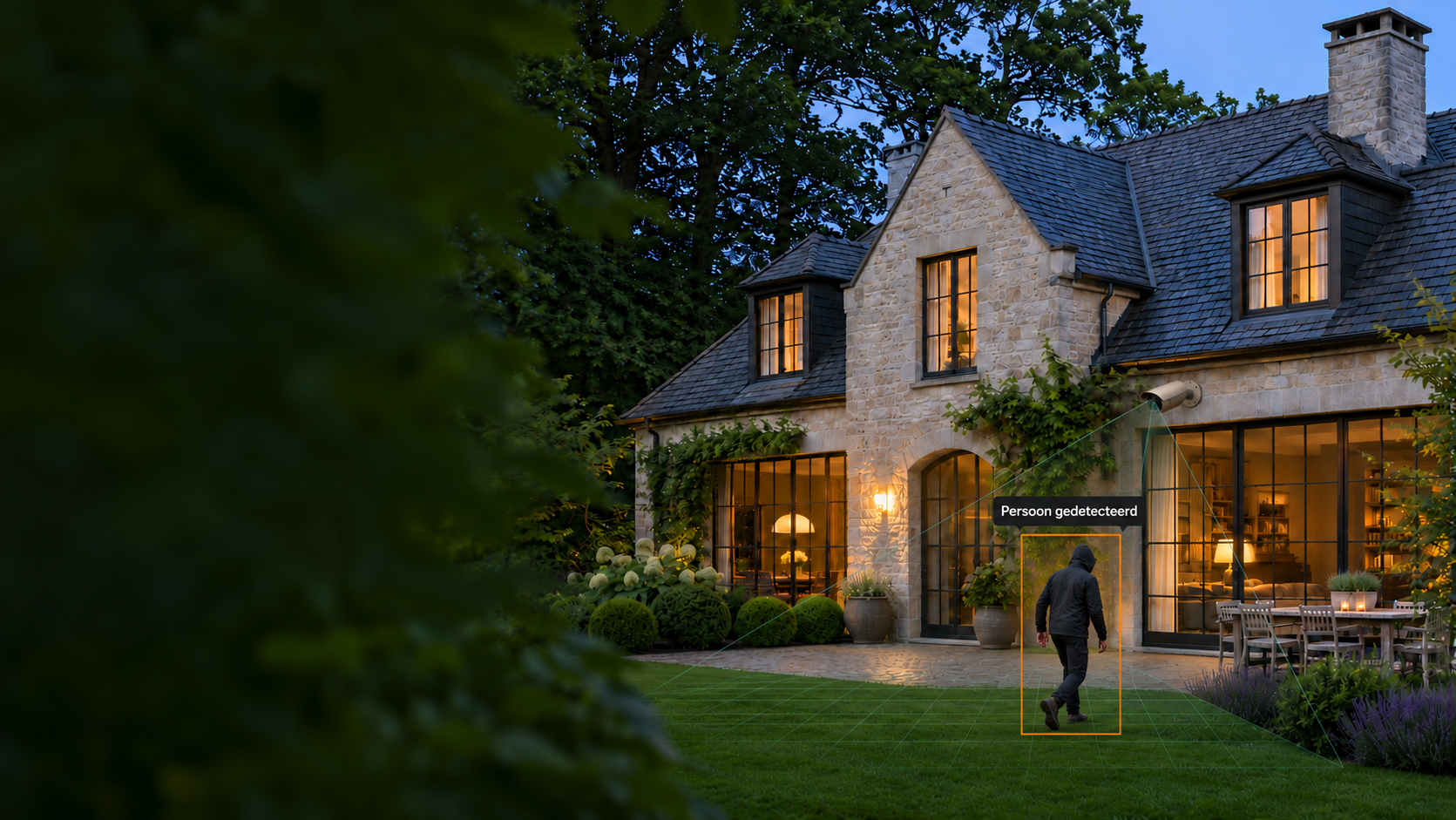
Secury360 recognises potential intruders in your garden or driveway. So you can respond before they reach your home.
See the difference · 2:15 minutes
Stop a break-in before
it happens
See how Secury360 detects early and enables a response.
Play on this page via YouTube.
FREE ON-SITE CHECK
What does your
home need?
We will contact you within one working day to discuss your situation and arrange a free on-site check.
The technology, simply explained
How does proactive
home security work?

02 · VERIFICATION
The S360 box
Two AI layers help filter unnecessary alerts.
Local AI + cloud AI

The Response Unit is optional. Your proposal specifies the equipment, installation and services.
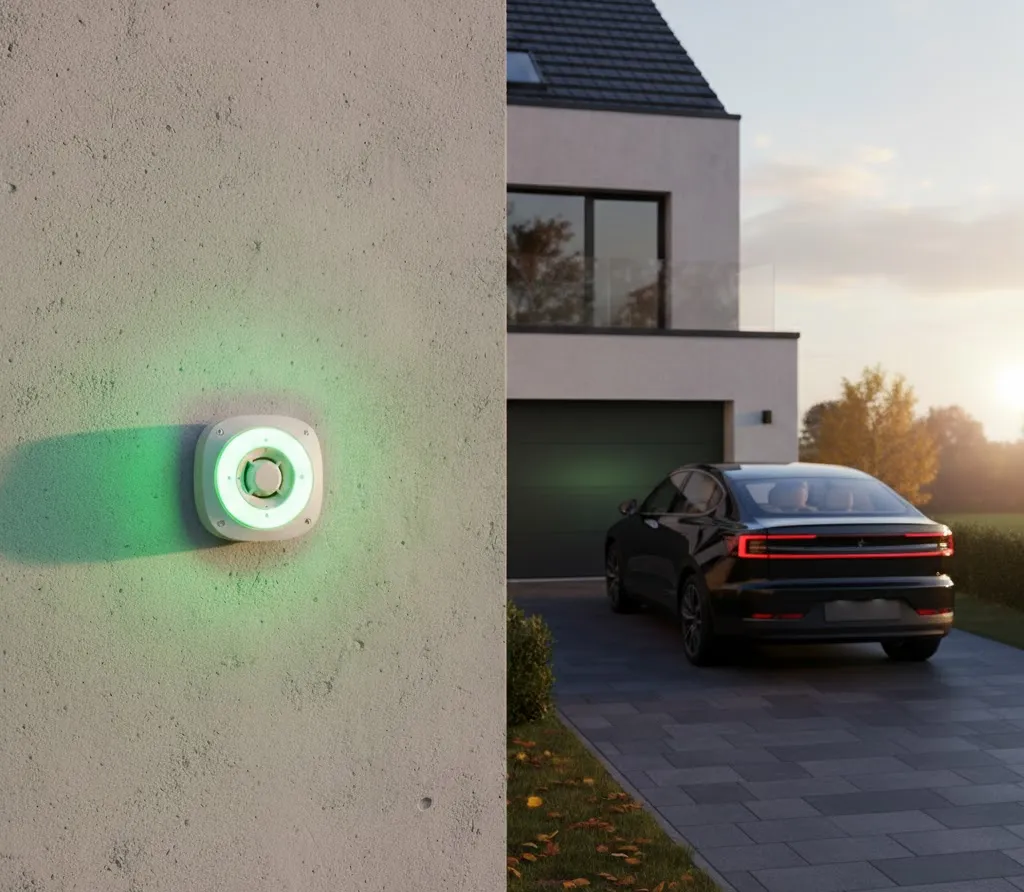
S360 Response UnitA visible signal at your home.
The response on site Optional
A clear
warning.
Still outside.
After a verified detection, the Response Unit can activate lights and a siren. An unwanted visitor immediately receives a warning.
Security armed
LED lighting shows the system status. For example, green when security is armed.
Alarm detected
Flashing lights and sound make it clear that the presence has been noticed.
Your installer configures light and sound for your home. Features depend on configuration and licence.
How does professional alarm follow-up work?
The S360 app
Your alarm panel.
Always close at hand.
Manage your home security from your smartphone. At home, at work or on the move.
Arm it. Stay in control.
Control zones individually, check the status and manage access for your family.
Make it fit your day.
Set schedules for your routine. Geofencing is available where configured.
See what is happening.
Receive push notifications, review detection clips and open live views.
One place for your security

Status · controls · camera views
A local installer
For installation, configuration and support.
Belgian technology
With European cloud storage and attention to privacy.
Mobile backup available
The LTE version offers an alternative when your internet goes down.
Before you decide
Your questions.
Clear answers.
About your cameras, costs and the practical side of security.
Prefer personal advice?
Can I keep my existing cameras?
Often, yes. Secury360 supports IP cameras with RTSP streaming. Your installer checks image quality, viewing angles and connectivity. Cameras are only added or replaced where needed.
What does a system for my home cost?
That depends on your cameras, equipment, installation and chosen services. Your proposal separates one-off costs from recurring costs for software, mobile connectivity and any monitoring service.
Can security be armed while I am at home?
Yes, configured outdoor zones can remain active while you are inside. Your installer adapts zones and schedules to your routine.
What about pets, wind and shadows?
AI helps distinguish harmless movement from relevant detections. Careful camera positioning and configuration for your garden and pets remain important.
What happens if my internet goes down?
Local detection continues. Cloud verification and notifications need a connection. The S360 box LTE can use mobile internet with sufficient coverage and an active data connection. This is not a backup power supply.
Do I need a monitoring service?
You choose the desired follow-up with your installer. With a monitoring service, verified alarms are handled according to the agreed procedure. Availability and costs are specified in your proposal.
Where is my video data processed?
The S360 box analyses locally. For cloud data, Secury360 uses Microsoft Azure servers in Amsterdam. Your installer discusses which footage is processed and configures zones and access rights.
Your home deserves a tailored plan
Start with a free check.
Together, we will explore the protection that suits your home.